|
|||
|
Click your browser <back> button to return to previous page |
|||
| Contact us at: sales@goNEFCON.com |
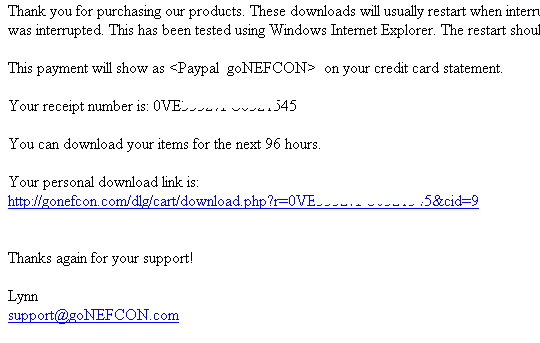
Download Files Help When you place your order you will get a <return to goNEFCON> button at Paypal and you will also receive a confirmation e-mail that includes a download link for the purchased files. That e-mail will look similar to this:
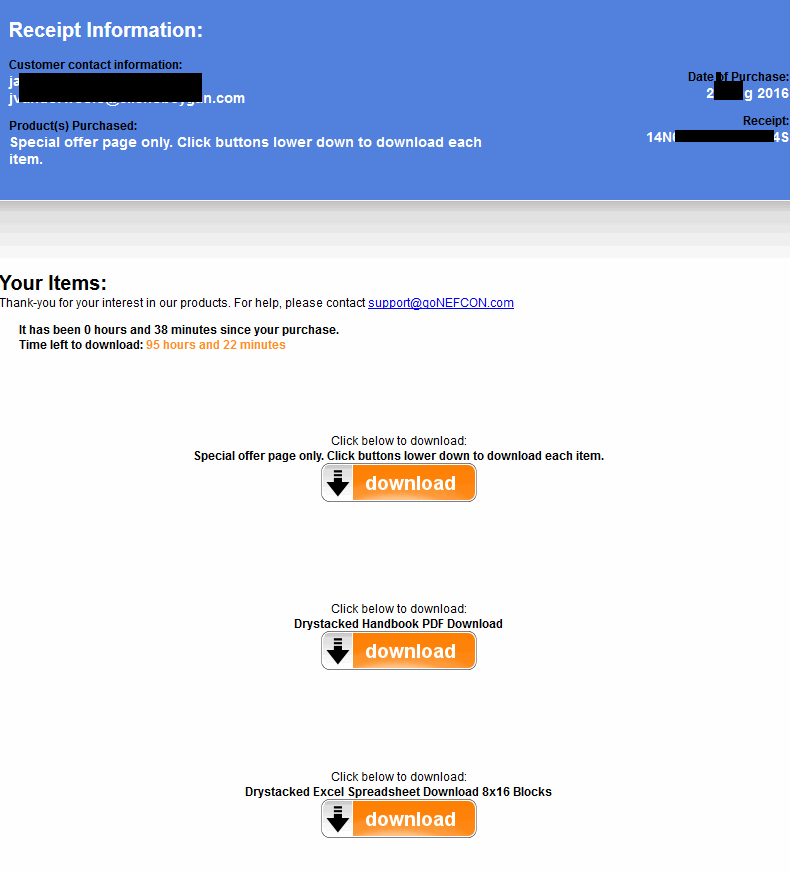
When you click on the Paypal <return to goNEFCON> button or you click on the e-mail link shown above, you will get a download files status page that looks like this below. This page confirms that you have purchased the download and offers the download(s):
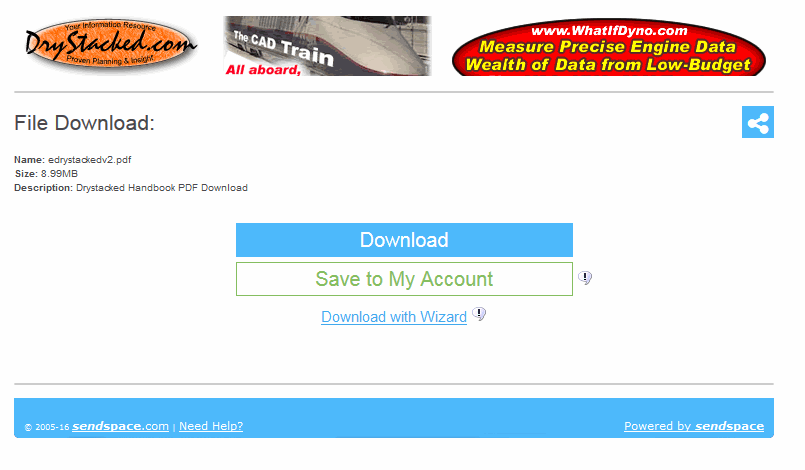
When you click on a download link above, you will be transferred to the file server page shown below. This page does the actual download with no speed restrictions (only your internet connection limits speed) and can be restarted if the download should terminate for any reason. Just re-click on the download link again to pick up where the download failed.
Using the Wizard listed above ensures better downloads. The "save to my account" may be used if you have your own SendSpace account.
|
||
|
Copyright
© 2006-2016 Nefcon,
contact us at sales@goNEFCON.com
Reproduction or republication strictly prohibited without prior written permission. See Website Rules for further legal information. Website owned & operated by Nefcon Update:14Sept2016, webmaster@goNEFCON.com |
|||